
Swipe actions
Most rows in Queue's lists — songs, albums, and playlists — support swipe actions so you can act on an item without leaving the list.
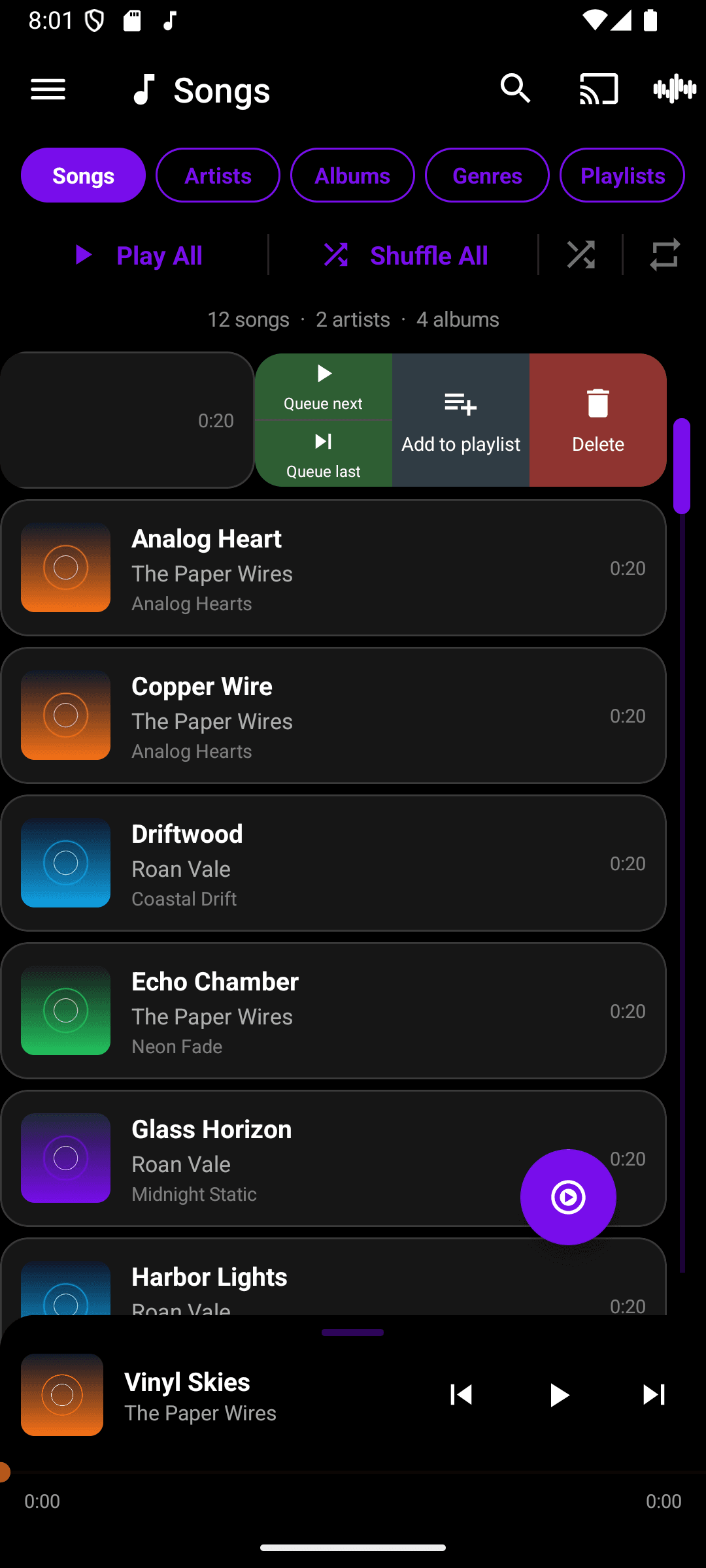
- Swipe a song row to the left to reveal Queue next, Queue last, Add to playlist, and Delete.
- Tap an action to run it immediately — the row closes back up on its own.
- Tap elsewhere in the list to dismiss the actions without picking one.
Swipe actions can be turned off from Settings → Player → Swipe Controls if you'd rather they not trigger while scrolling.