
Setting up a local library
A local library indexes audio files already on your device so they show up alongside anything from your network sources.
Local Storage is set up the first time you grant Queue access to your device's media, and appears under Settings → Libraries next to any network sources you add.
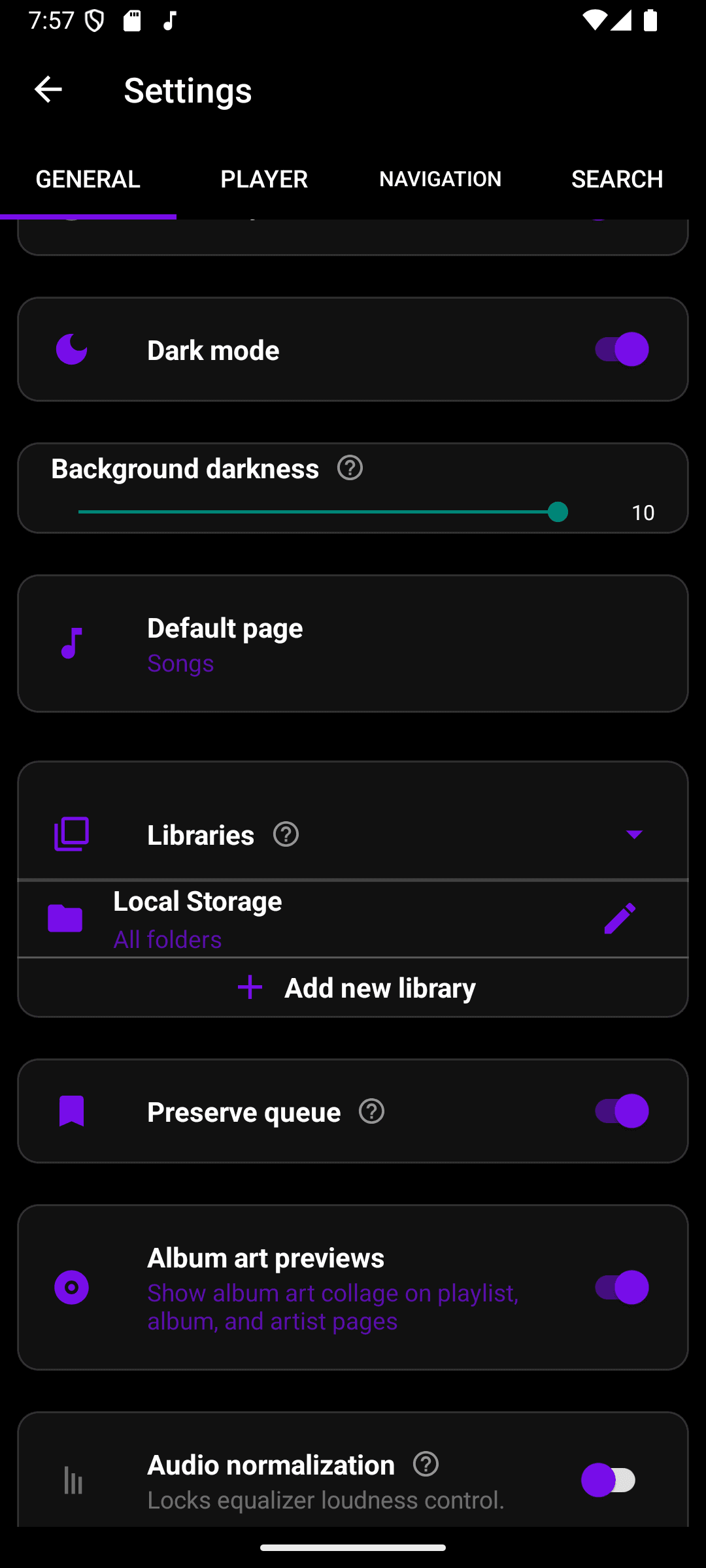
Tap the pencil next to Local Storage to change which folders are included — by default it covers all folders.