Getting started
Queue doesn't come with any music built in — the first thing to do is point it at a source. That can be music stored on your device, a network media server, or both at once.
- Open Queue and grant it access to your device's media/storage when prompted.
- From Settings, add a local library and/or a network source (Jellyfin, Plex, Emby, or Navidrome).
- Wait for the initial scan to finish — this can take a moment for large libraries.
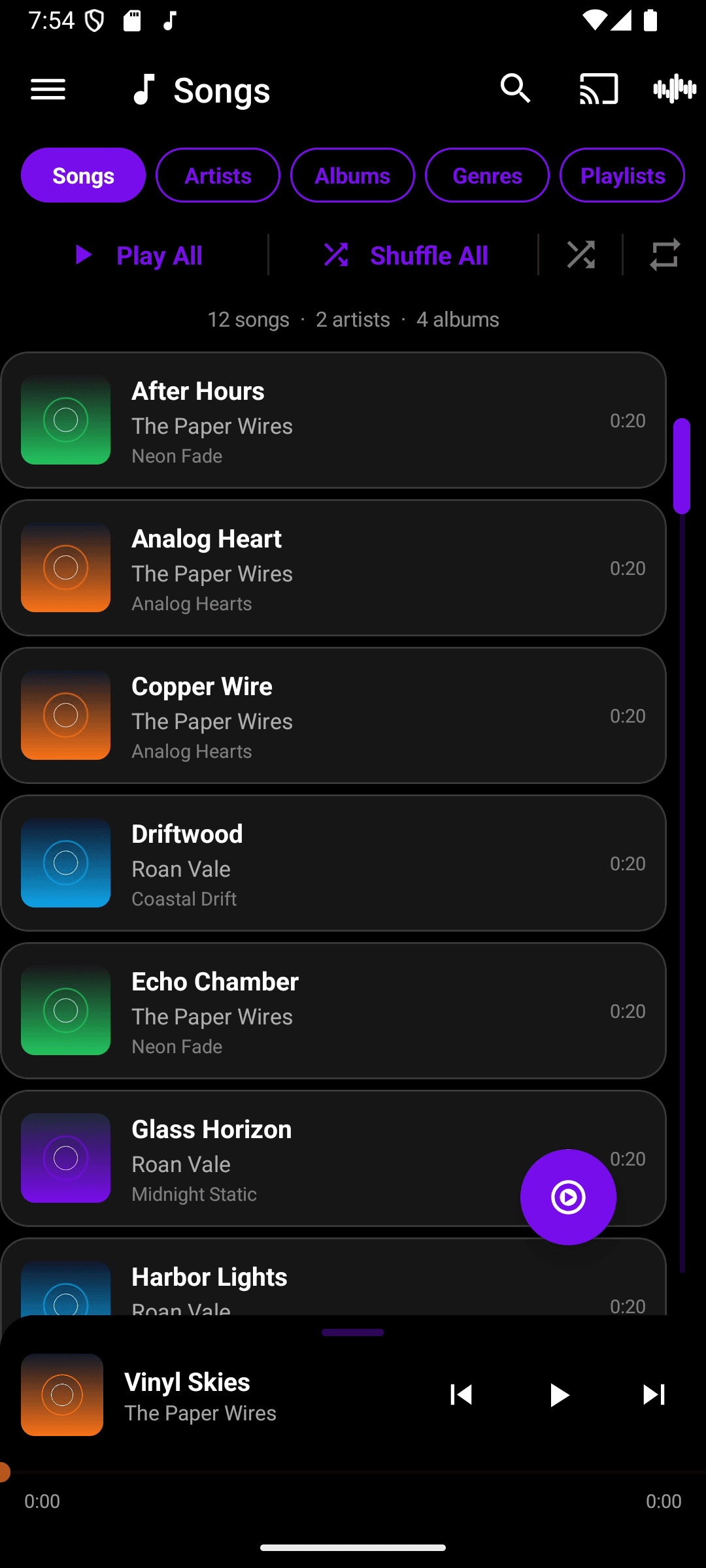
- Browse by Songs, Artists, Albums, Genres, or Playlists from the library tabs.
You can add as many sources as you like. Every local and network library you add is merged into one browsable library.