
Adding network sources
Queue can stream from self-hosted media servers, merging their libraries with your local music so everything lives in one place.
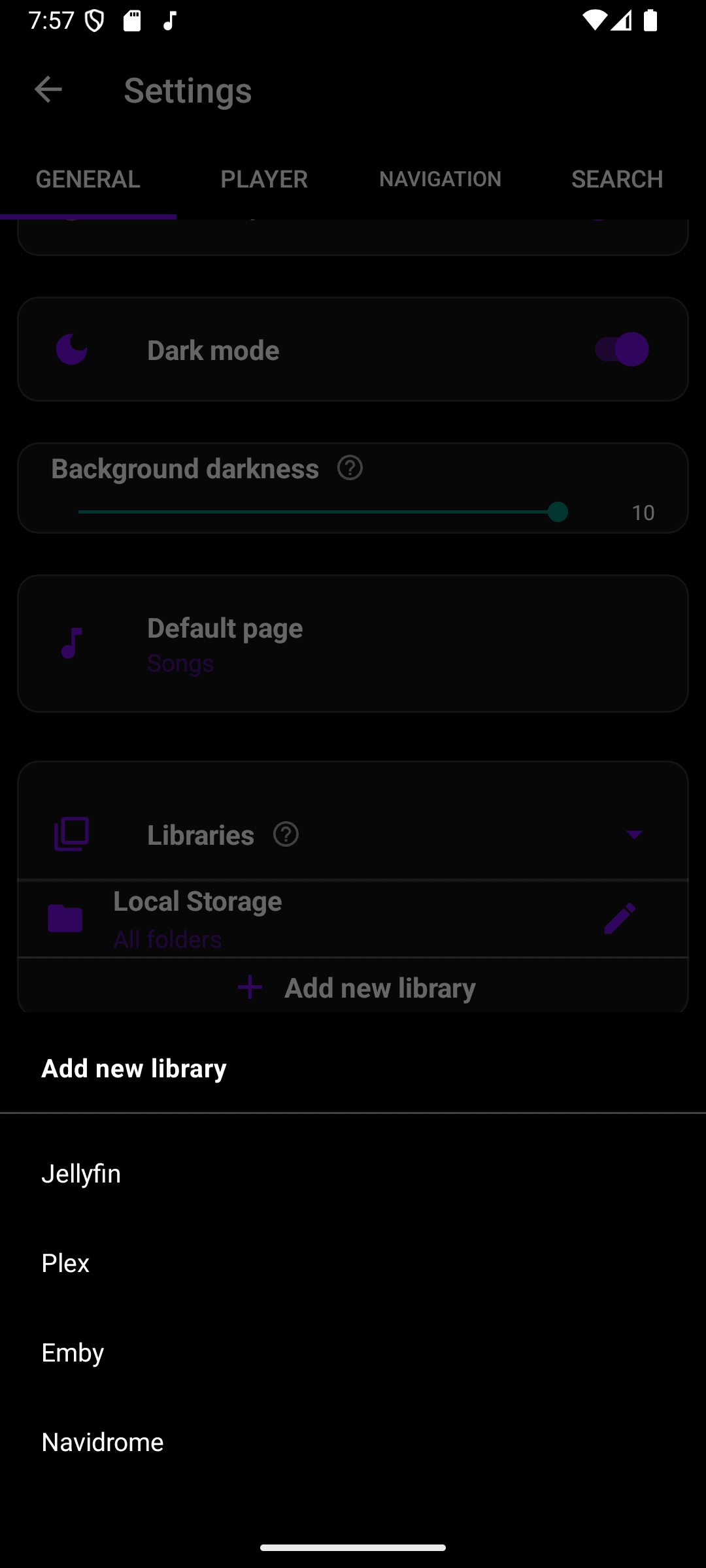
- Go to Settings → Libraries and choose Add new library.
- Pick the server type: Jellyfin, Plex, Emby, or Navidrome.
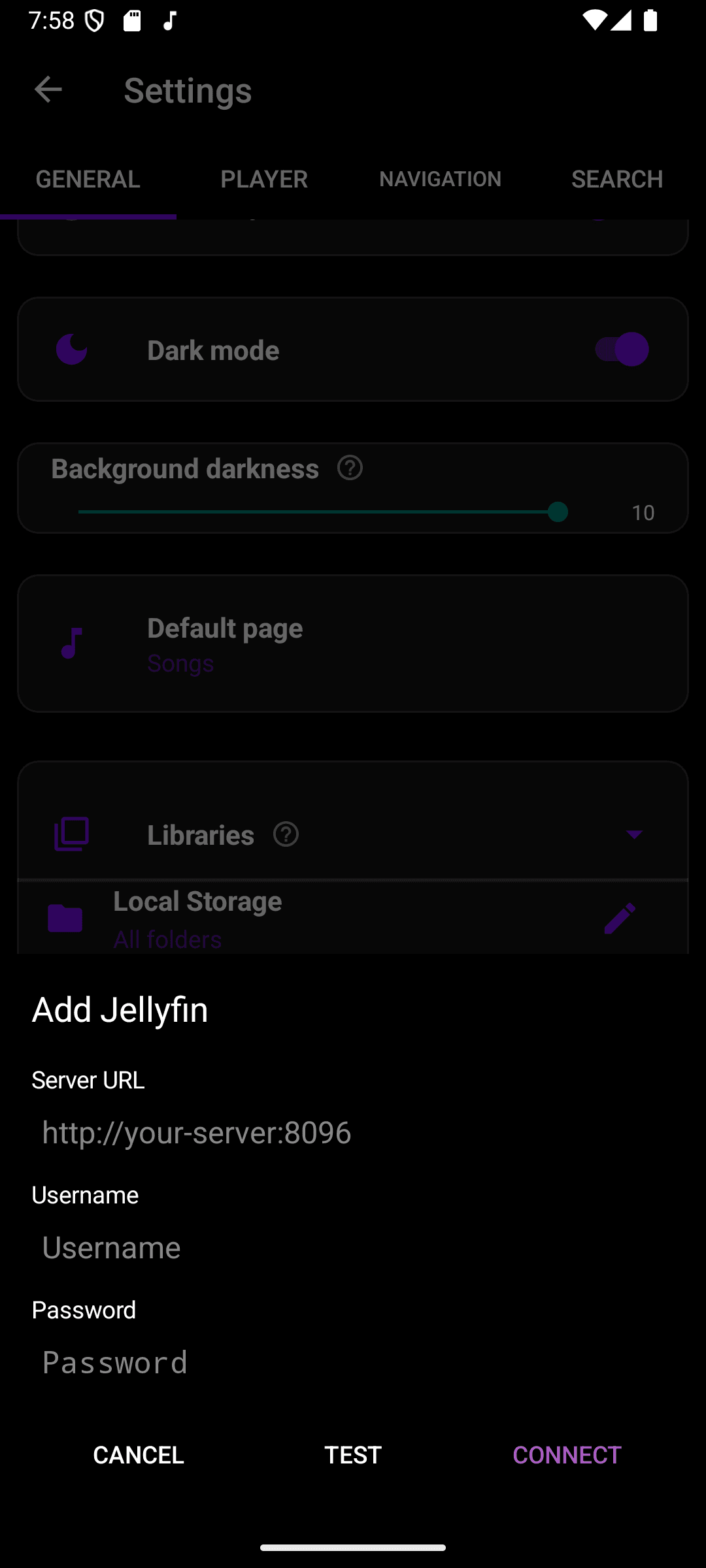
- Enter your server's URL, then sign in with your username and password.
- Tap Test to verify the connection, then Connect to add it.
- You can connect multiple servers, including more than one of the same type.
- Each connected server can be removed independently from Settings without affecting the others.
Network sources stream over your connection, so playback quality and reliability depend on your network and the server's reachability.