

Your music. Any source. One player.
Queue brings your local library and network music servers together in one fast player — with gapless playback, a full 10-band equalizer, and native support for Chromecast, Android TV, and tablets.
Install on Google Play
Scan the code, or tap to open the listing
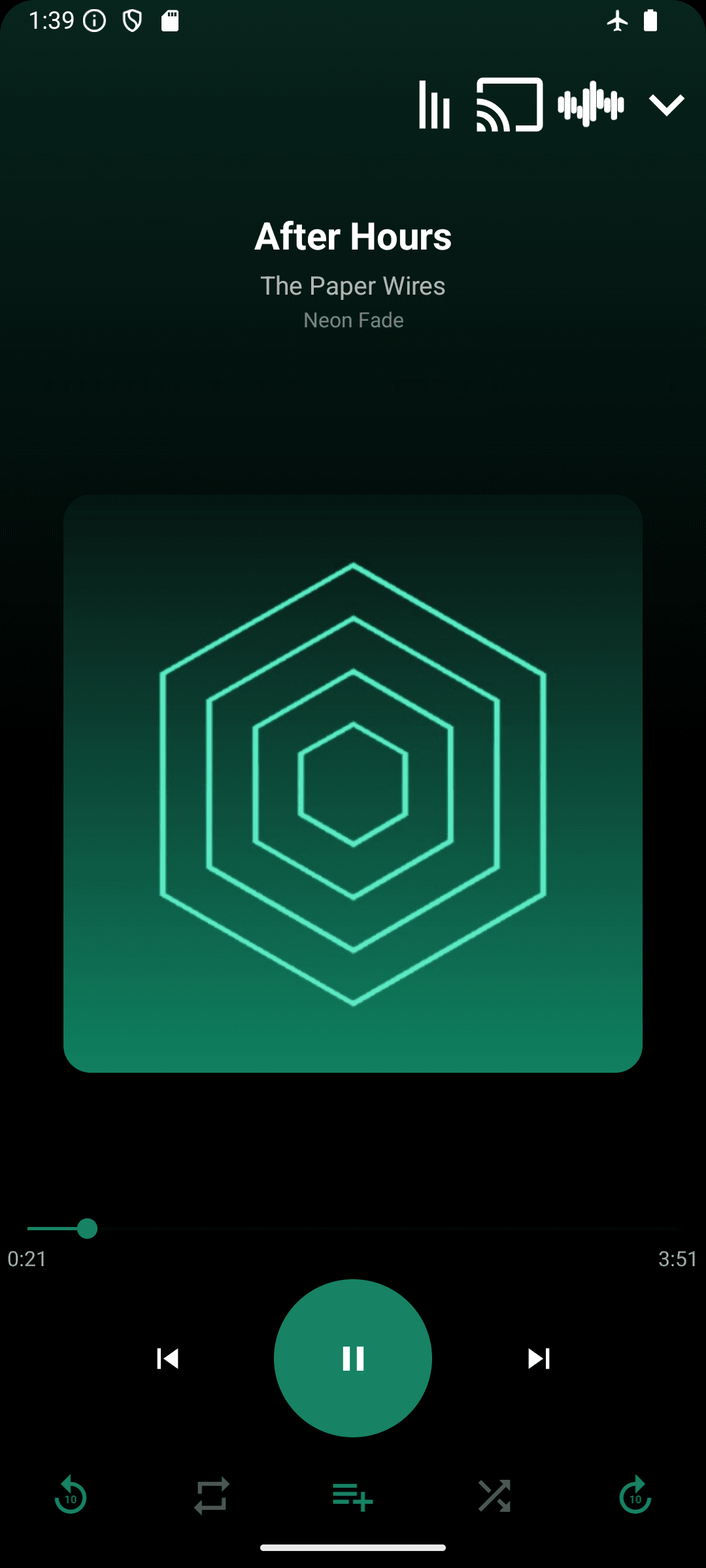
Works completely offline
No account, no internet connection, no sign-in required. Play your local library entirely offline.
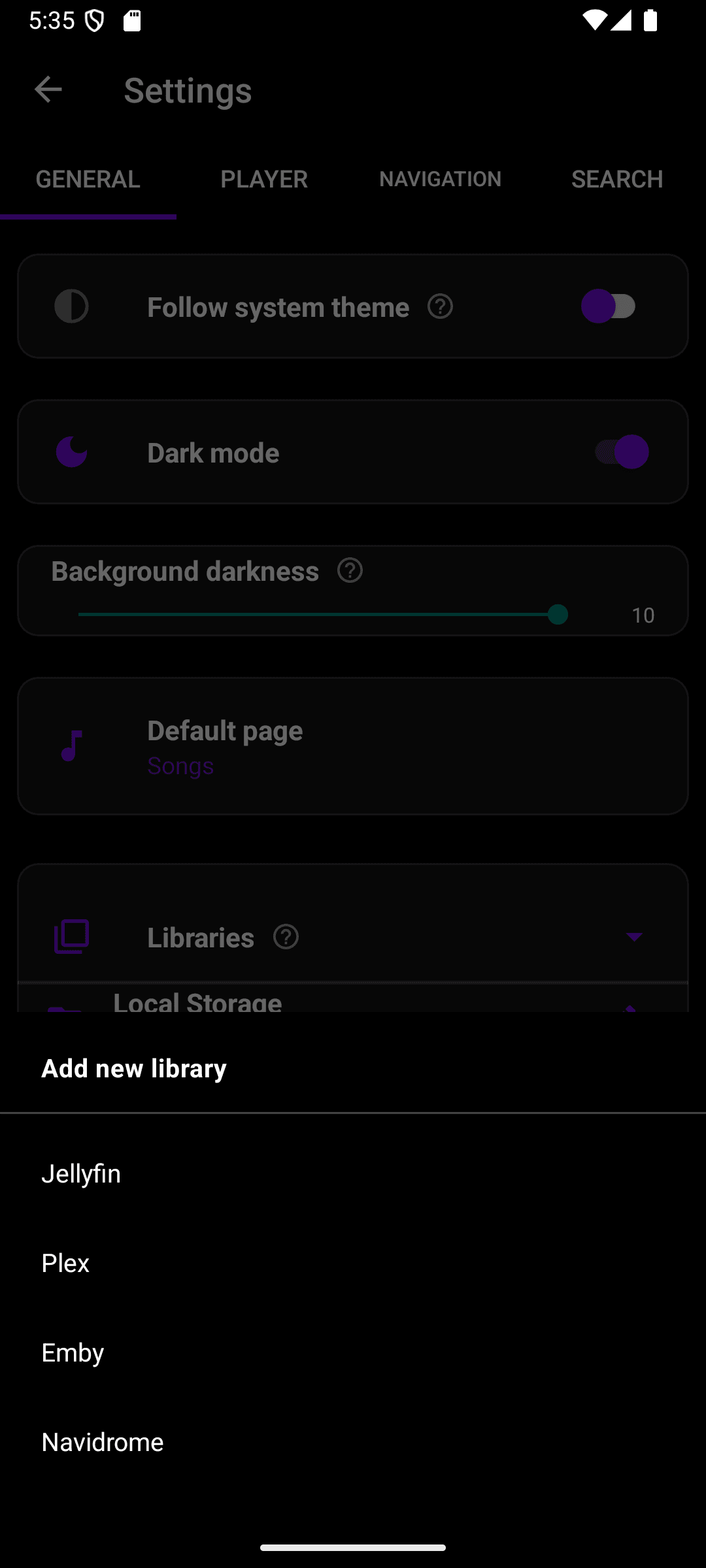
Bring your own library
Play music from local storage or connect Jellyfin, Plex, Emby, and Navidrome servers — all merged into one library, browsable by songs, artists, albums, genres, and playlists.
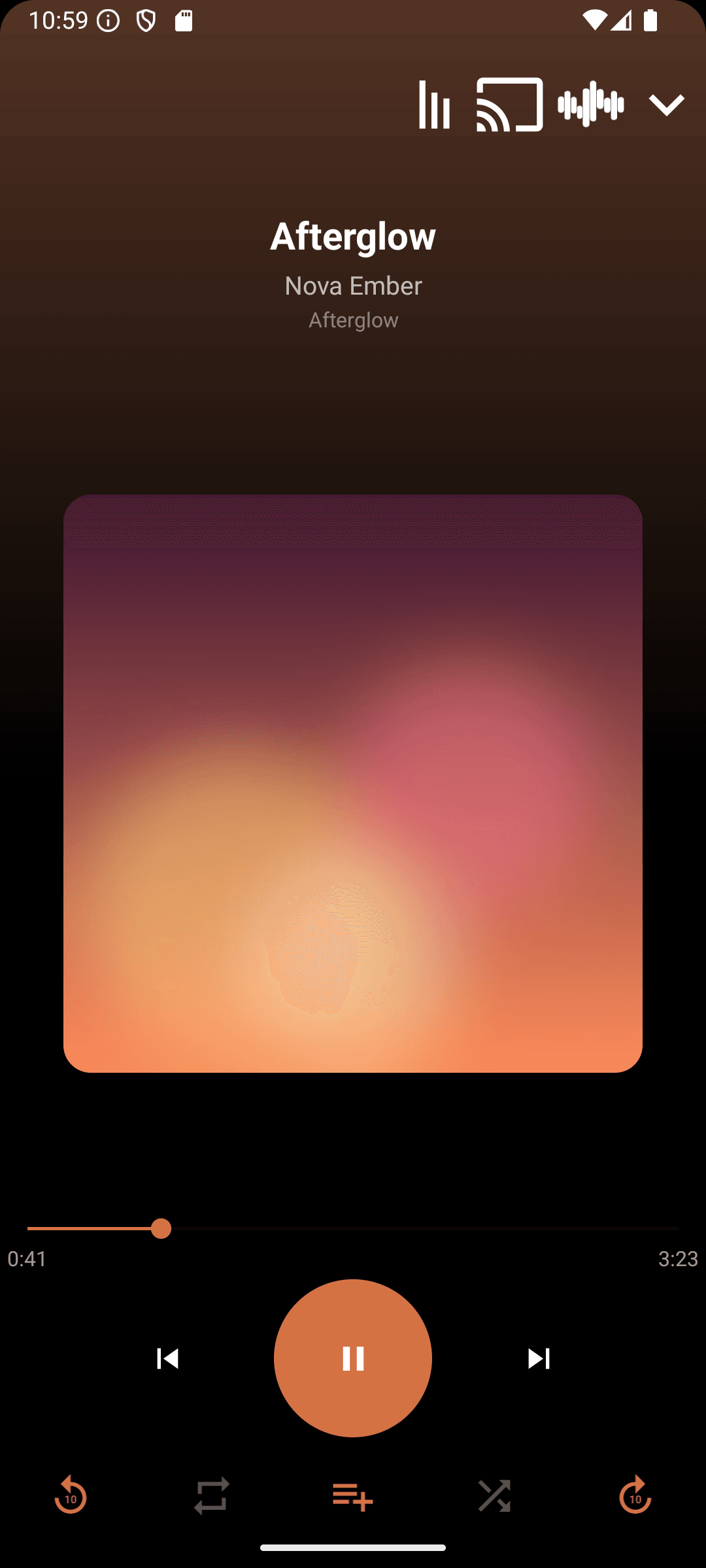
Gapless, uninterrupted playback
Tracks flow into each other with true gapless playback — no stutter between songs. Cast to any Chromecast device without missing a beat.
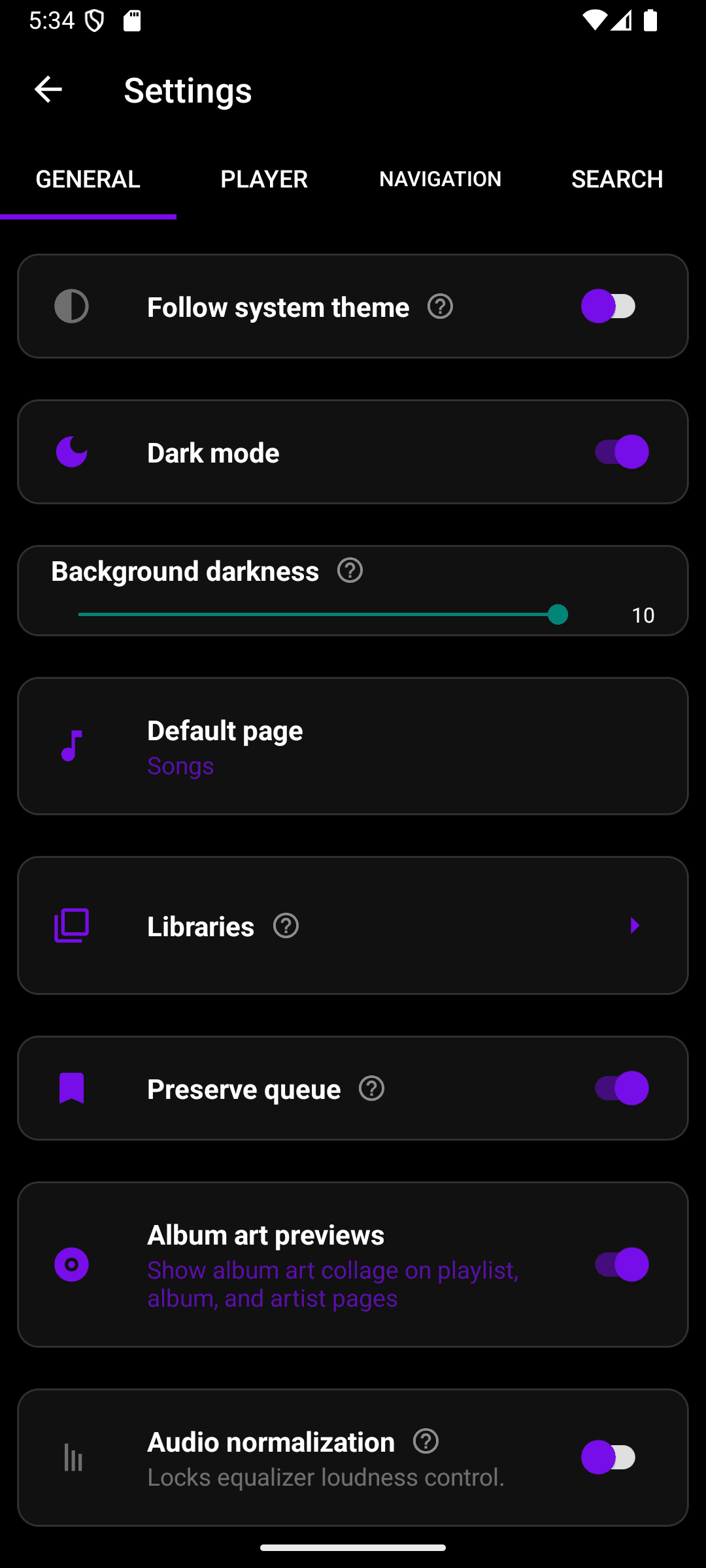
Minimalistic, but feature rich
Every setting has a clean, uncluttered home — no buried menus, no clutter. Dozens of options like queue persistence, album art previews, and audio normalization, presented simply.
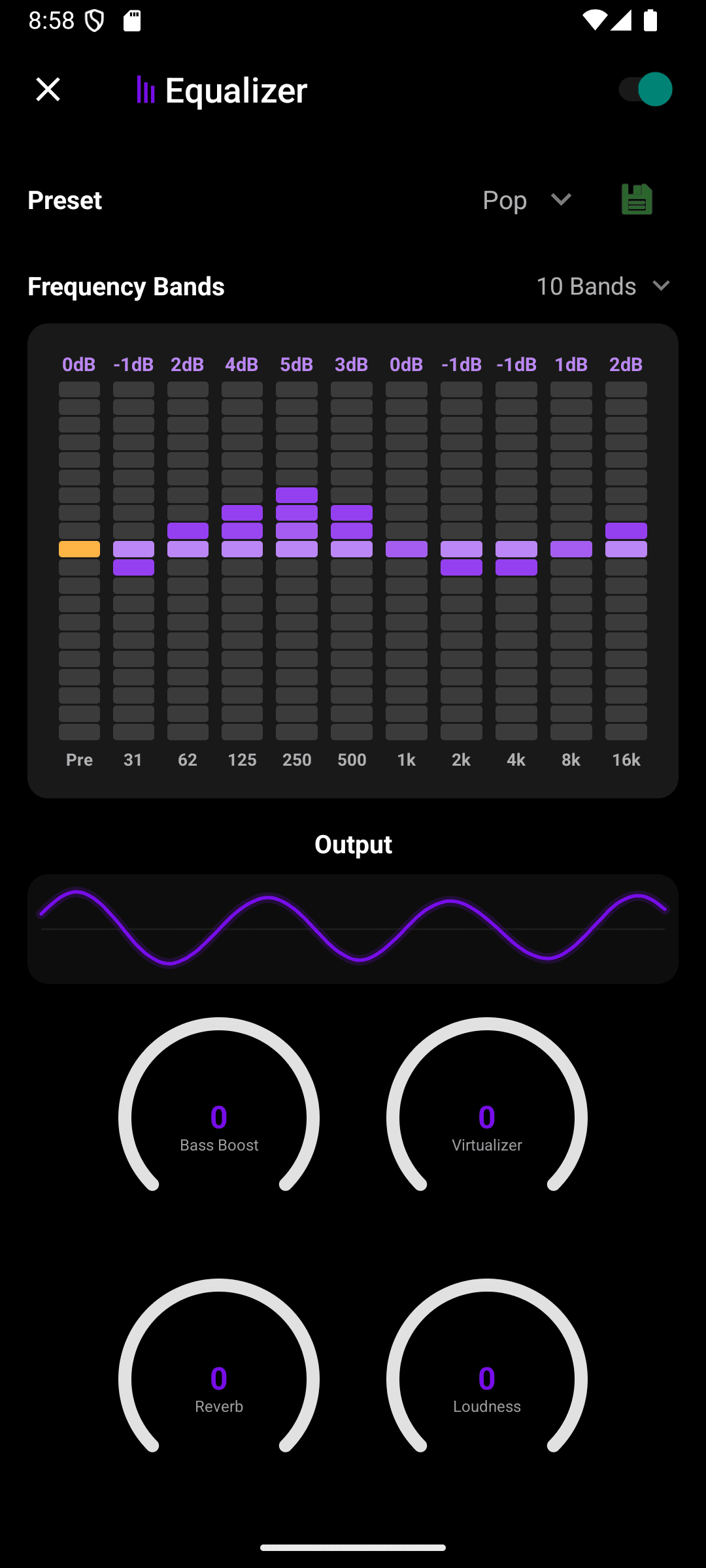
Tune it exactly how you like
A full 10-band equalizer with genre presets, bass boost, virtualizer, reverb, and loudness controls — dial in your sound and save it as a custom preset.
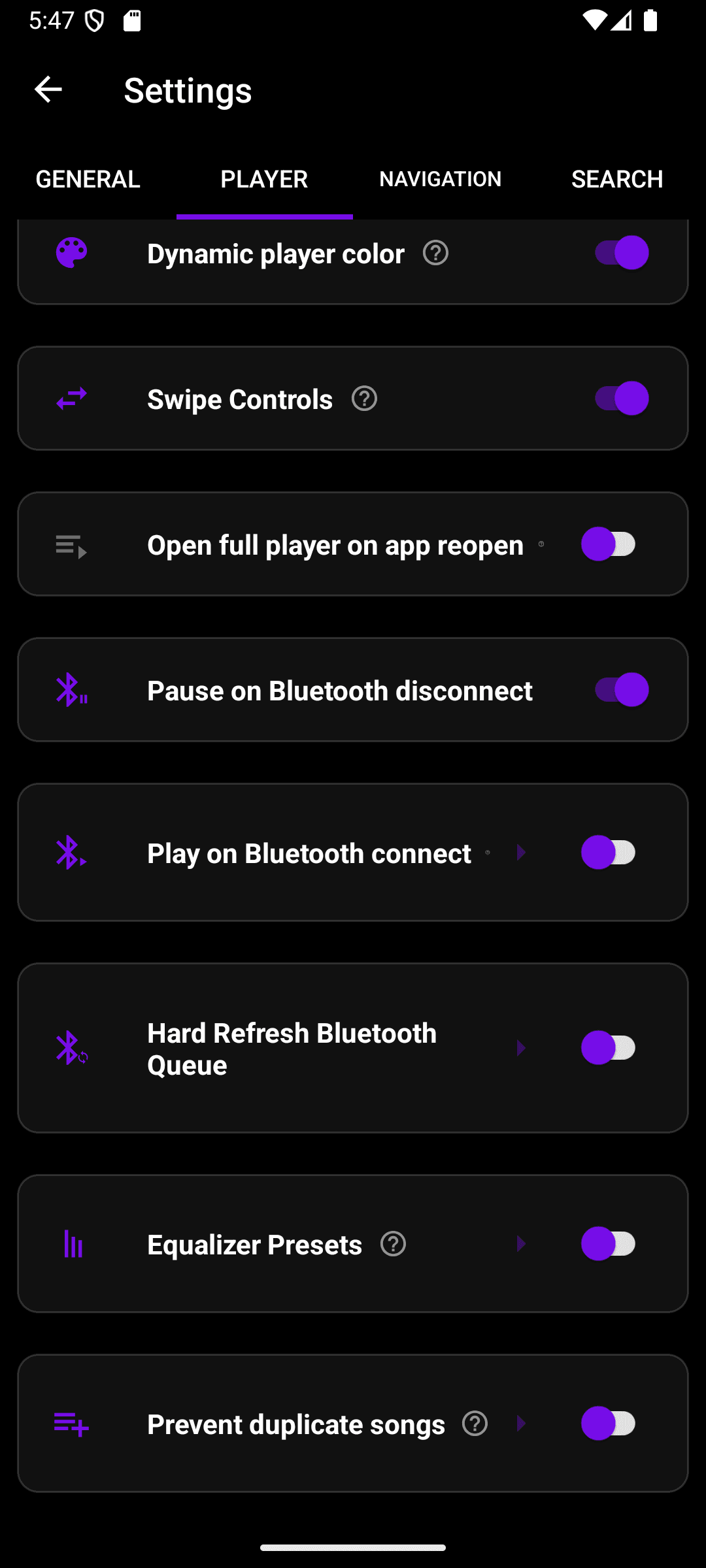
Built for the car, too
Automatically pause when your Bluetooth headphones disconnect and resume when they reconnect. Set a different equalizer preset per Bluetooth device — one for your car stereo, another for headphones. And for car head units that show a stale queue, force a quick reconnect so the display catches up.
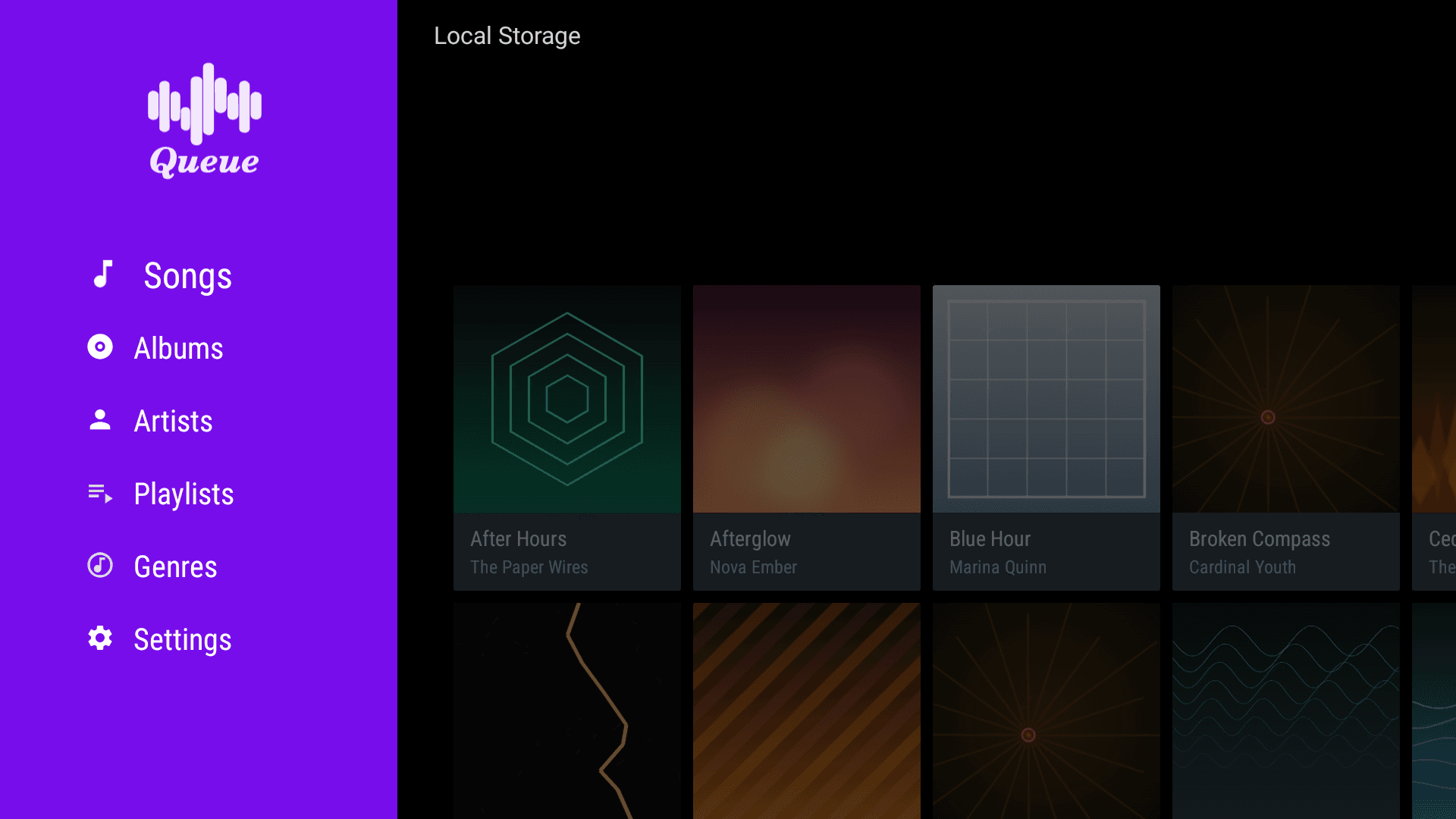
At home on every device
Queue looks right wherever you're listening. It runs natively on Android TV and Google TV with a full remote-friendly interface, tablets get roomier library grids and a bigger now-playing view, and it's all wrapped in the same dynamic color theming pulled from your album art.
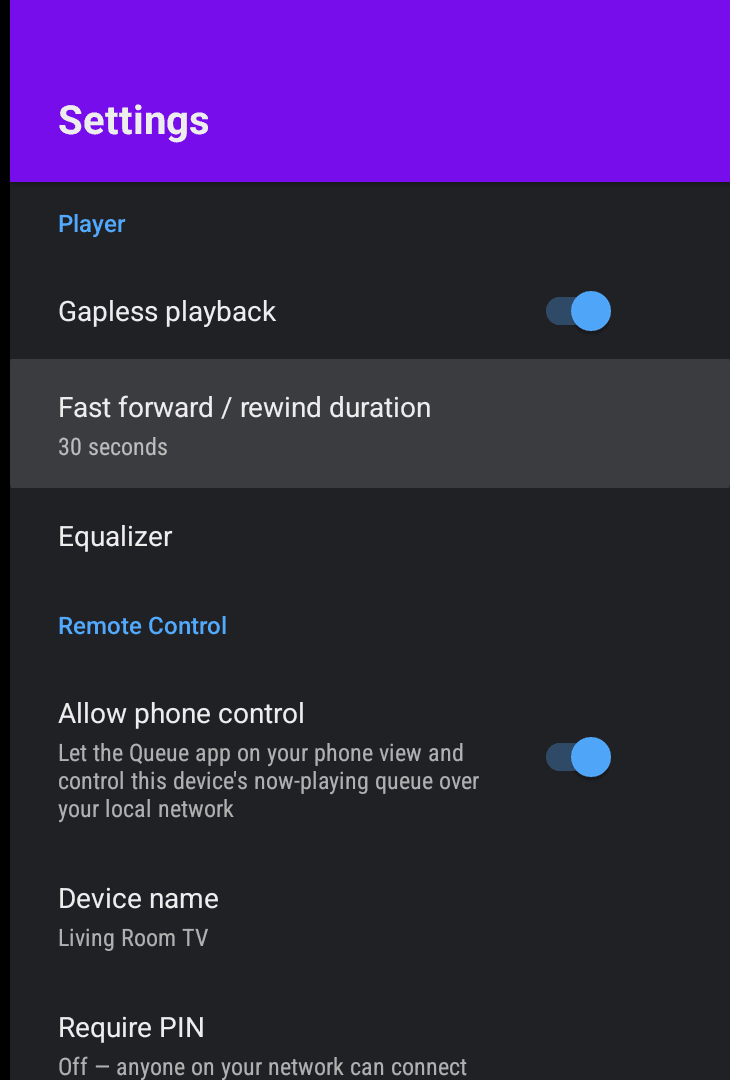
Your phone is the remote
Skip the D-pad. Enable Remote Control in Queue's TV settings and control playback — play/pause, skip, seek, and the queue — from the Queue app on your phone over your local network, with an optional PIN to keep it private.
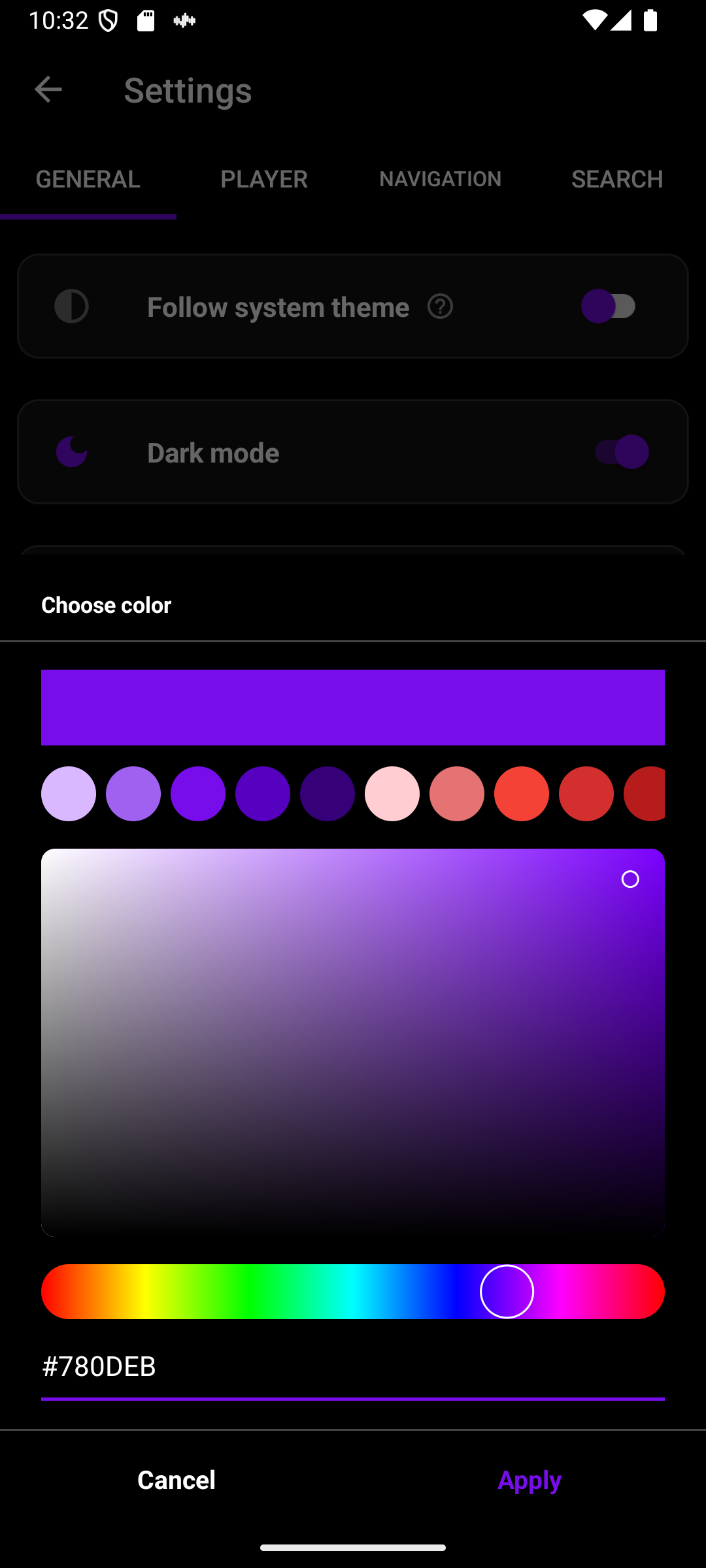
Make it yours
Pick any accent color with a full color picker, per library if you want. Combined with light, dark, or system theme, Queue looks the way you want it to.
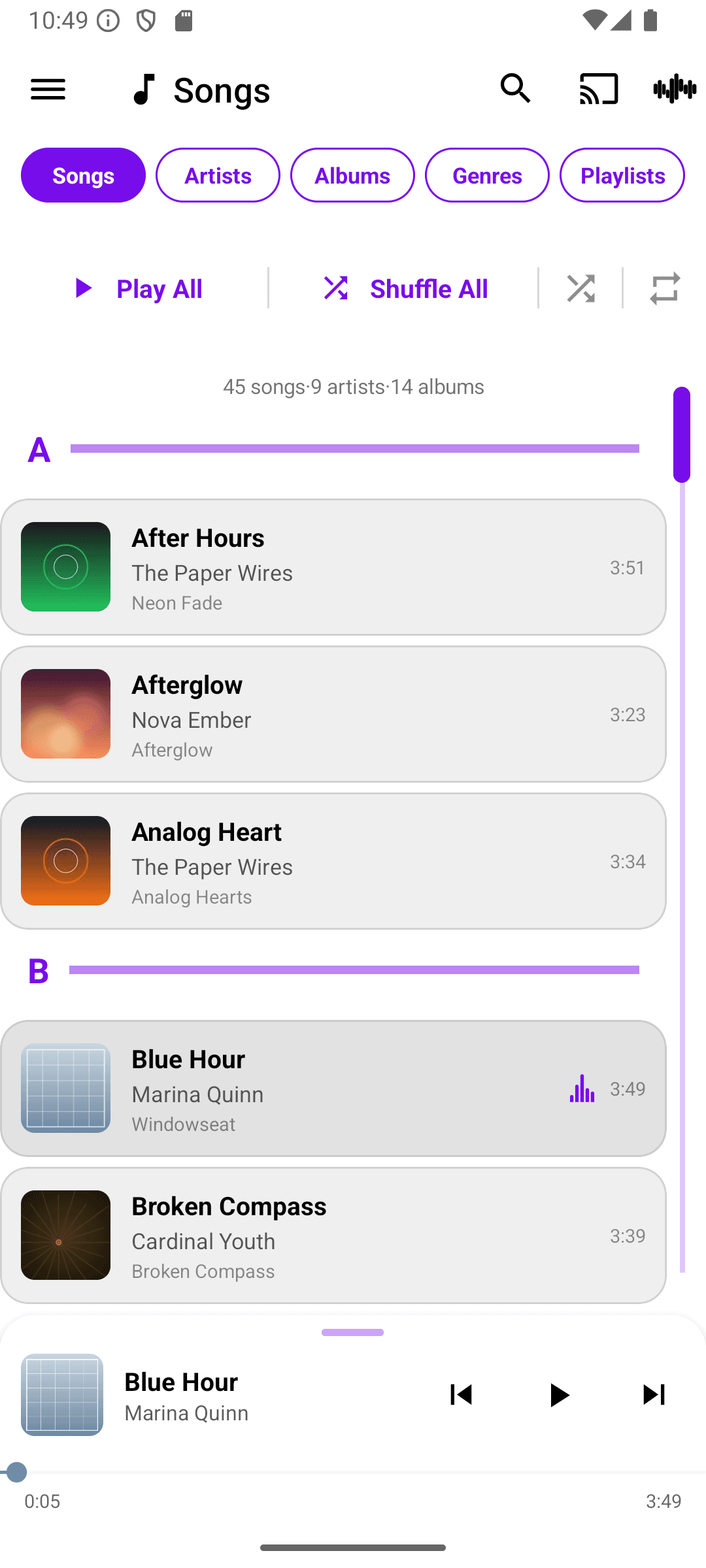
Light
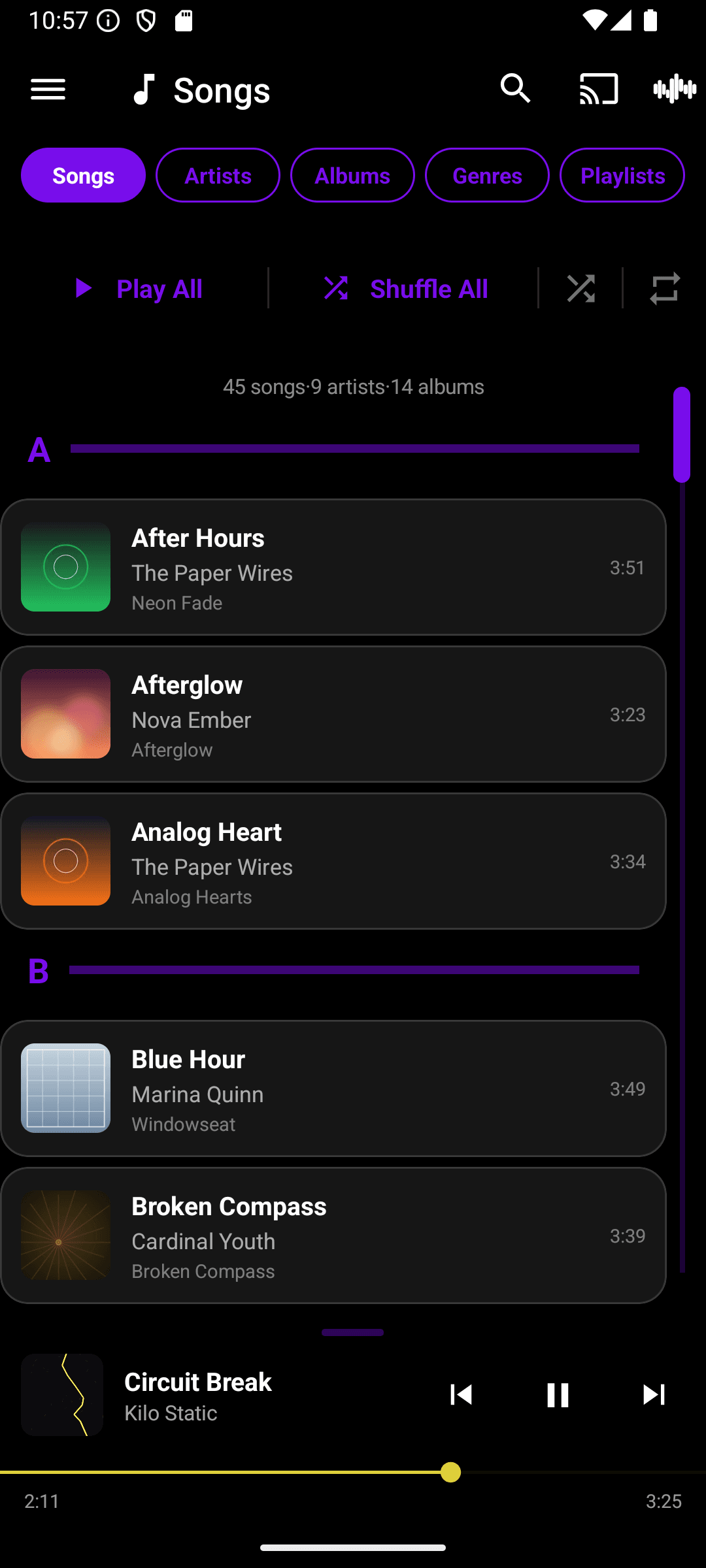
Dark
Comfortable in daylight or at night
Switch between light and dark, or let Queue follow your system setting. Every screen — library, player, and equalizer — adapts instantly.
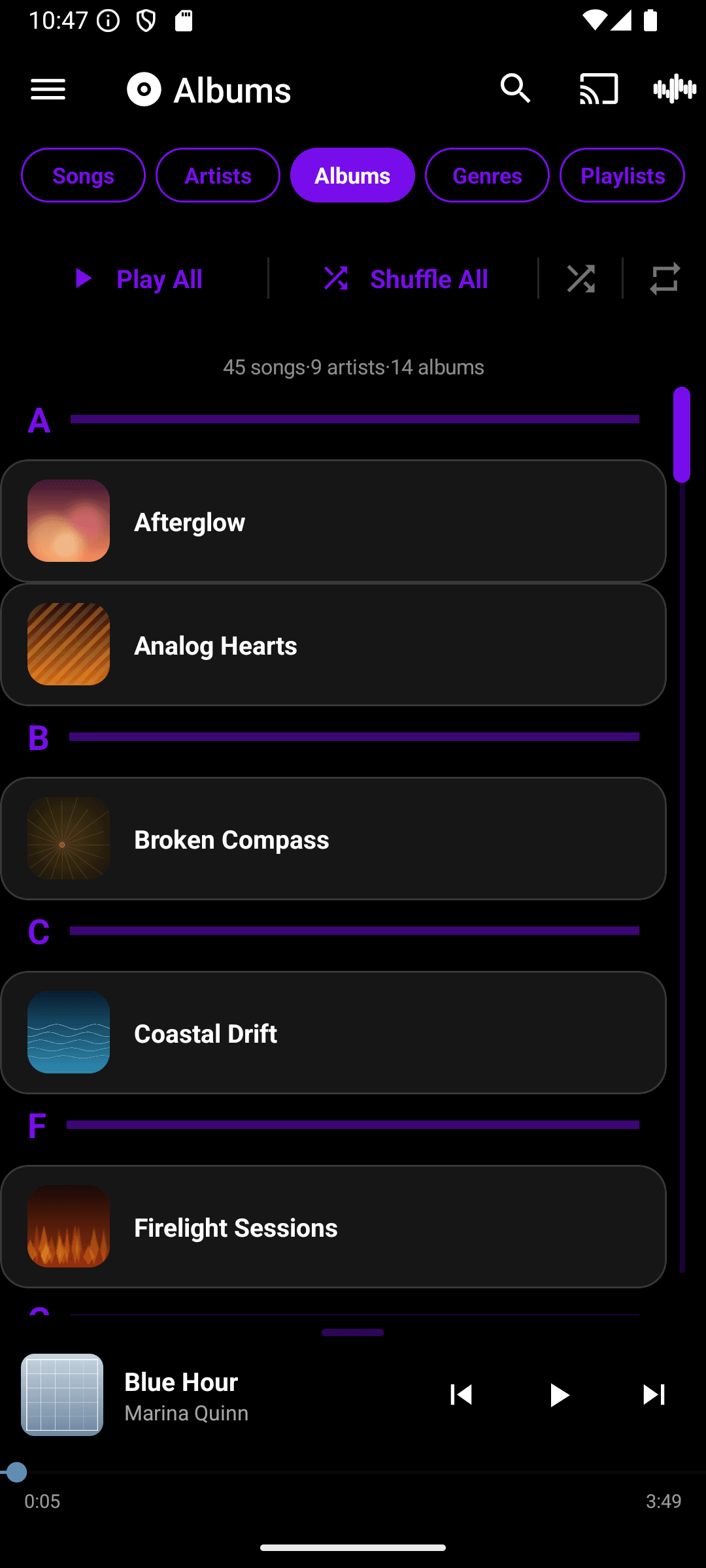
Every song, organized
Browse by songs, artists, albums, or genres, build playlists across every connected source, and pick up right where you left off.
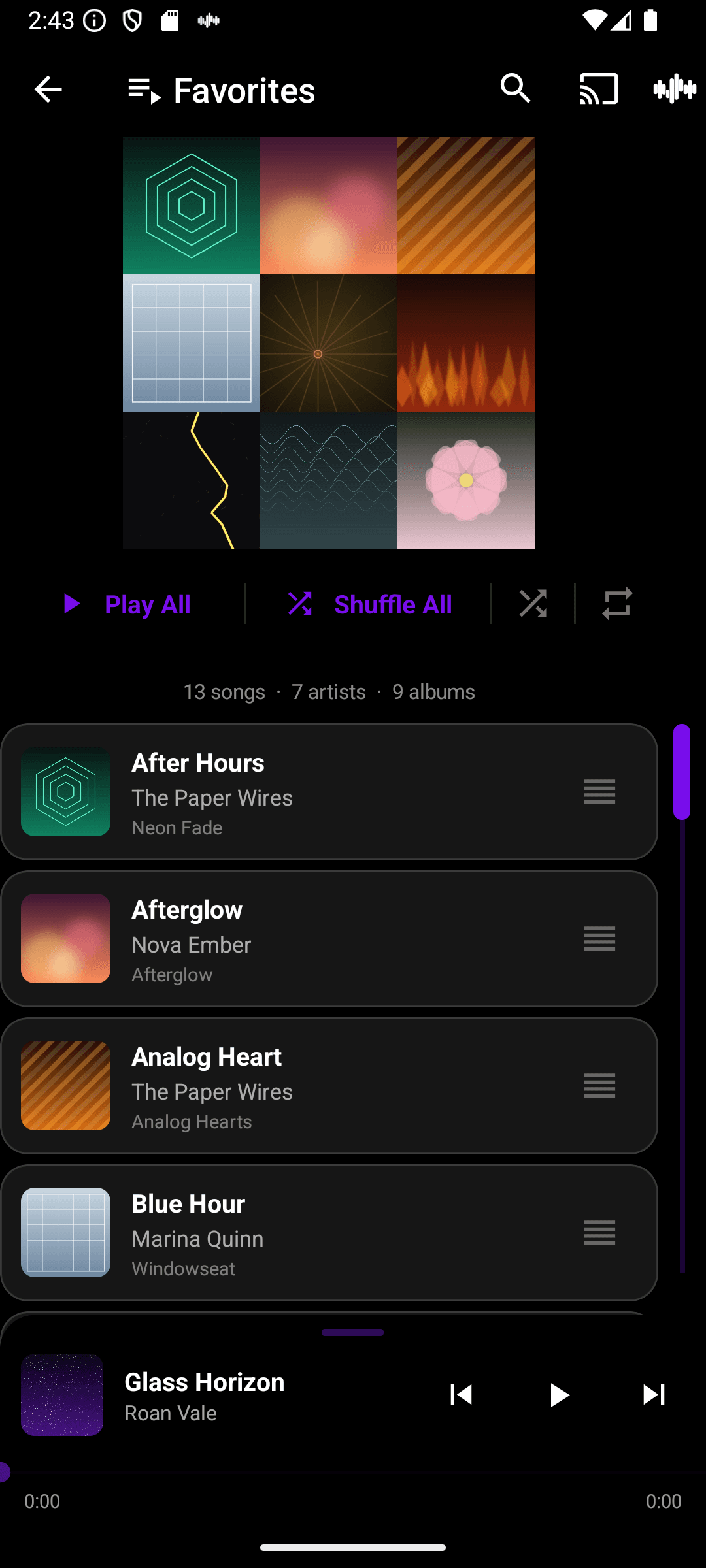
Playlists with a face
Every playlist gets a cover collaged from the album art of what's inside — built automatically, no extra work required.